
The Hog Report / Daily Dispatch
Grammarly AI vs. Canva Resume Builder: A Late 2026 ATS Review
We review Grammarly's new AI Resume Builder agent and explain why Canva's hidden text issue is causing major ATS parsing failures in late 2026.
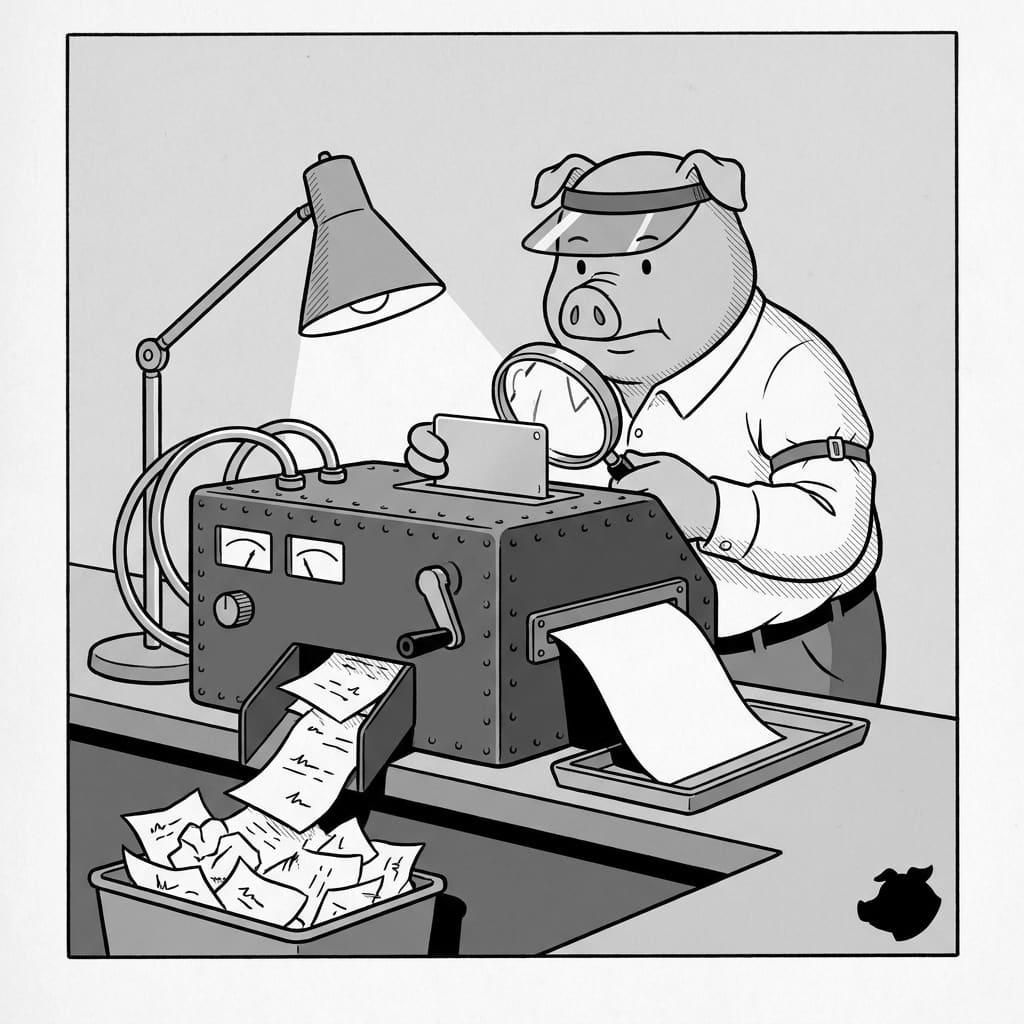
The 2026 Resume Dilemma: Design or Data?
In late 2026, job seekers are torn between making their resumes visually striking and making them readable to automated screeners. A beautiful layout means nothing if the hiring software cannot actually read your experience. Today, we are reviewing two popular but entirely different approaches to resume building: Grammarly's newly updated AI agents and Canva's visually heavy design templates.
Grammarly AI Resume Builder: A Text-First Approach
Grammarly has expanded significantly beyond basic spell-checking. The platform now features a dedicated AI Resume Builder agent designed specifically to optimize your career documents.
According to official Grammarly product documentation, this tool acts as a contextual assistant inside Grammarly docs. When you paste your experience into the editor, the agent scans your content and provides inline, paragraph-level rewrites to strengthen your phrasing. It helps transform a list of passive duties into a much more professional document.
Pricing and Free Tier Limits
Before you commit to building your entire document in Grammarly, you need to understand the billing limits. The full Resume Builder agent is available to Grammarly Pro and Plus users. If you are on the free tier, you can still access the feature, but you are capped by a "limited number of suggestions per day". For a complete resume overhaul, free users might hit that ceiling quickly.
Because Grammarly focuses entirely on text optimization and standard document outputs, it is highly safe for Applicant Tracking Systems (ATS). The software reads your words exactly as you typed them, which is where visual tools are currently failing.
Canva Resumes in Late 2026: The Ghost Data Problem
Canva remains incredibly popular for its striking resume templates. However, recent parsing tests reveal that a design-first approach can actively sabotage your job search.
Because Canva is a graphic design tool rather than a traditional word processor, it treats your words like visual elements. This leads to massive structural flaws when an ATS tries to read the exported file. In an August 2026 ATS parsing test shared by a staffing professional, a critical "ghost data" issue was exposed.
A healthcare candidate in Michigan had been applying for roles for 18 months with zero callbacks. When her Canva PDF was run through a standard parser, the ATS identified her as a "circus assistant in Los Angeles". The reason? Her downloaded template still contained the original placeholder text buried in its hidden design layers. The ghost data was invisible to the human eye, but the machine parser read it perfectly. Furthermore, upgrading to Canva Pro does not fix this underlying export behavior.
How to Protect Your Next Application
If you want to land an interview, you must prioritize clean text over pretty graphics. You can run a 30-second test right now to see how an ATS views your document. Open your downloaded resume PDF, highlight all the text, copy it, and paste it into a plain Notepad file. If the resulting text is out of order, missing entirely, or filled with random template words, the ATS will see the exact same mess.
To stay safe, use Grammarly to polish your bullet points, but build your final document using a text-based platform. A purpose-built tool like ResumeHog ensures your document is structurally clean and tailored to the job description without any hidden design layers. Save the heavy visual design for when you are handing a physical, printed resume directly to a human recruiter.