
The Hog Report / Daily Dispatch
2026 ATS Formatting: Why "Print to PDF" Could Ruin Your Resume
Discover why university career centers are warning job seekers against using "Print to PDF" and how to export your resume to safely pass 2026 Applicant Tracking Systems.
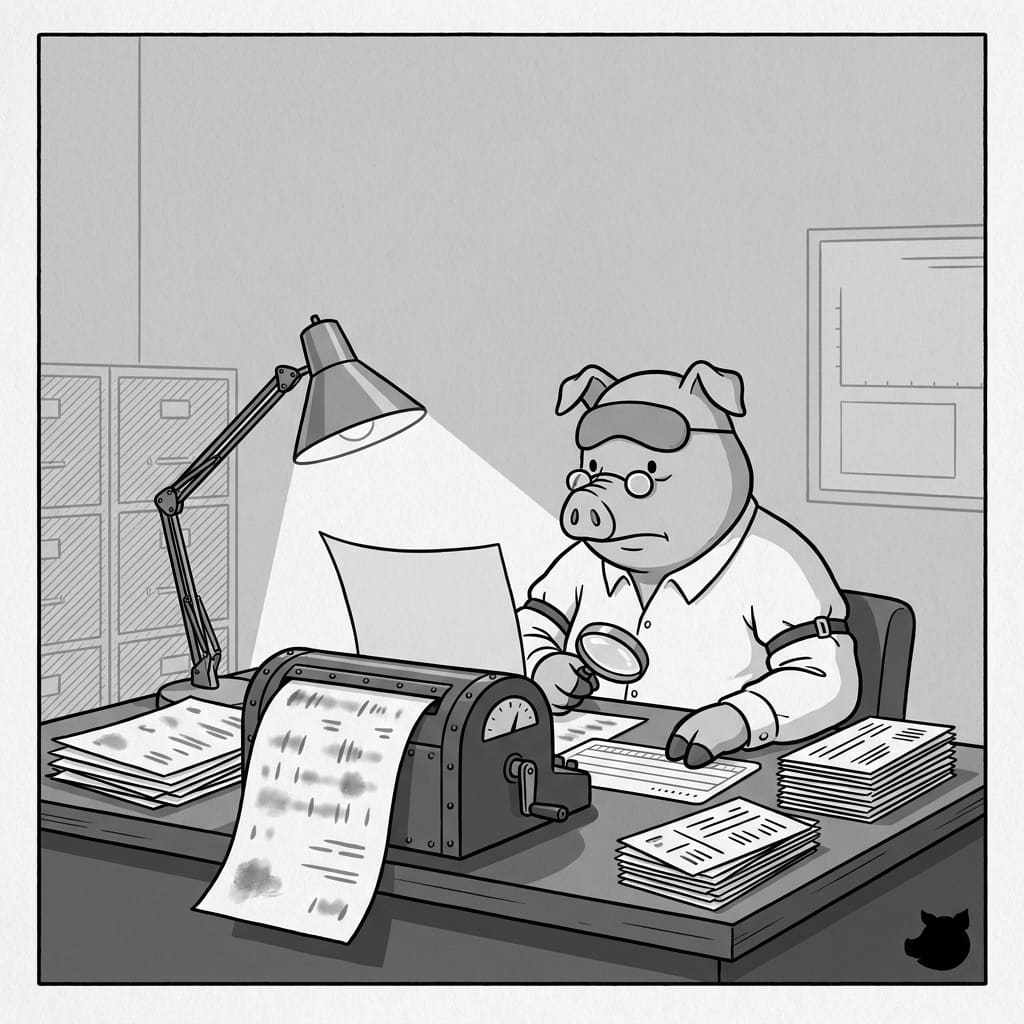
The Invisible Formatting Mistake Costing You Interviews
Most job seekers already know that submitting a resume as a PDF is the safest way to preserve their layout. However, exactly how you create that PDF in 2026 can make the difference between landing an interview and getting instantly auto-rejected by an Applicant Tracking System (ATS).
If you are applying to a company that uses an ATS to parse and rank applications, the software needs to be able to highlight and extract the text. Unfortunately, a common shortcut is causing candidates to submit blank pages to the bots.
The "Print to PDF" Trap
When you finish writing your resume in a browser or word processor, you usually have a few options to export it. One of the most common mistakes is using the system print dialog and selecting "Print to PDF."
Recent ATS writing guidelines from Pitt Career Central explicitly warn candidates to "Convert/Save as PDF" and strictly note: "DO NOT PRINT TO PDF to upload." Similarly, Western Carolina University's 2026 career resources feature the exact same warning.
Why is this a problem? Depending on your operating system and the software you are using, the "Print to PDF" function can flatten your document into an image layer rather than preserving the text tags. When a human recruiter opens the file, it looks perfectly normal. When an ATS scans it, the software sees a blank picture. Always use the native "Save As" or "Export to PDF" functions in Microsoft Word or Google Docs to ensure your text remains readable.
Headers and Footers Are a Dead Zone
Another major structural mistake is placing your name, phone number, email, and LinkedIn URL inside the actual header or footer margin of the document to save space.
The official UNC Resume Guide warns students not to place content in headers or footers because modern ATS platforms frequently ignore those sections entirely. If the system cannot parse your contact information, it may fail to create a complete candidate profile for you, causing your application to slip through the cracks.
The Font Limit and the 475-Word Sweet Spot
If you have so much experience that you are tempted to shrink your margins and drop your font size to fit everything on one page, you are likely hurting your readability. The latest advice from Muskegon Community College puts it bluntly: do not use a font smaller than 10.5 points just to cram in more bullets. If you are shrinking the text that much, you simply have not edited your content enough.
So how much should you write? According to Pitt Career Central, the sweet spot for an optimized one-page resume is approximately 475 to 600 words. Keeping your text within this range ensures you have enough room for standard fonts (like Arial, Calibri, or Times New Roman) while providing enough keywords to satisfy the ATS.
How to Stay Safe
To guarantee your resume is readable in 2026, keep it simple. Avoid multi-column layouts, graphics, and text boxes. Keep all your information in the main body of the document, and always export properly.
If you are tired of fighting with word processor margins, using a dedicated builder like ResumeHog can take the guesswork out of the process, ensuring your final export is cleanly formatted and fully ATS-friendly.